

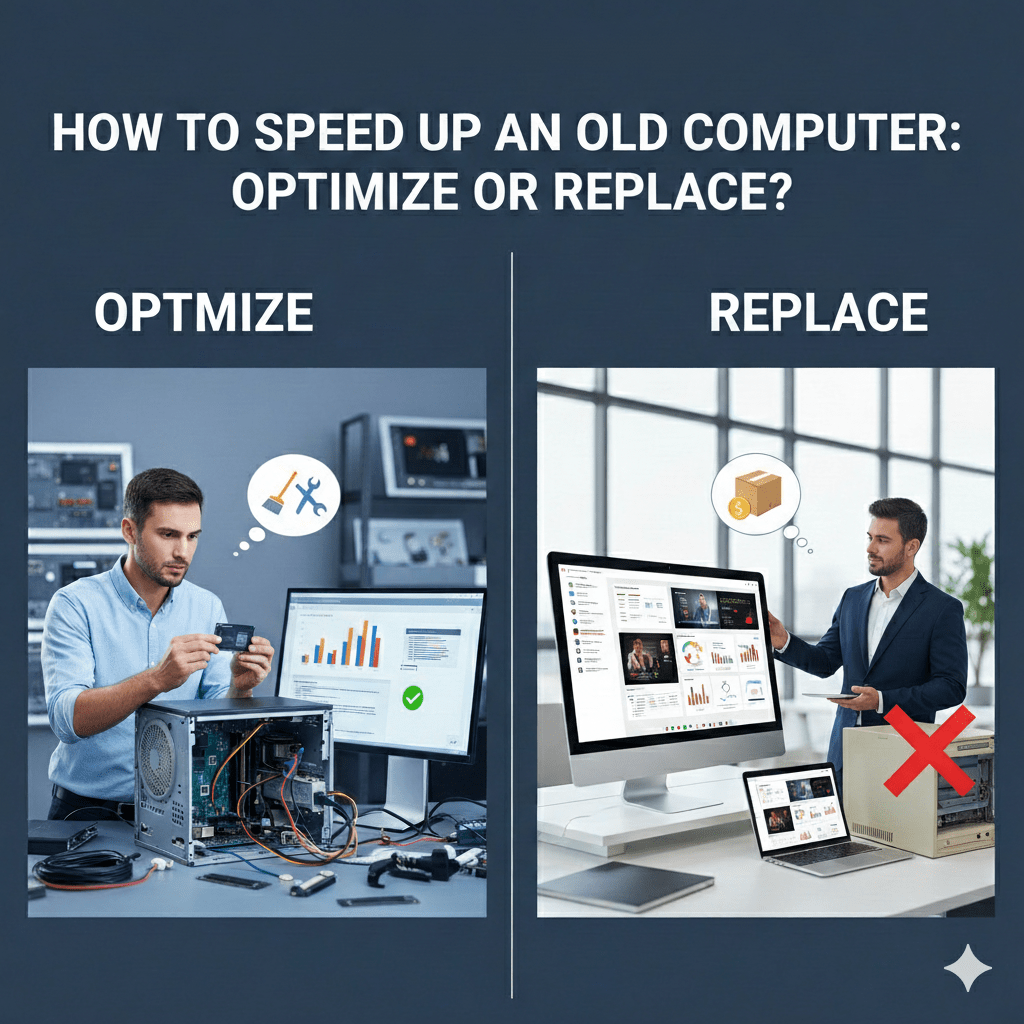
When a computer slows down, the question is not “How old is it?”
The real question is why it’s slow.
At Mindcore Technologies, we routinely restore performance on systems executives assumed were obsolete. We also recommend replacement when optimization no longer makes business sense. The difference between those two outcomes is not guesswork. It is based on clear technical thresholds and risk considerations.
This guide explains how IT professionals decide whether to optimize an aging computer or retire it.
The Hard Truth About “Old” Computers
Age alone does not make a computer slow. We see five-year-old systems performing well and two-year-old systems struggling. Performance degradation almost always comes from:
- Storage bottlenecks
- Memory pressure
- Background software accumulation
- Security overhead
- Malware or infostealers
- Outdated operating systems
- Unsupported hardware
Before replacement is considered, these factors must be evaluated.
When Optimization Is the Right Move
If the system meets certain baseline criteria, optimization almost always delivers meaningful improvement.
1. The Hardware Still Meets Minimum Business Standards
Optimization is viable if:
- The system supports a modern operating system
- The CPU is not end-of-life
- The device is stable and reliable
- There are no recurring hardware errors
If the machine can run Windows 10 or 11 cleanly, it is usually worth optimizing first.
2. The System Has an SSD (Or Can Support One)
Storage is the single biggest performance divider.
If the system:
- Still uses a mechanical hard drive
- Has frequent freezing during file access
- Takes several minutes to boot
Optimization alone will not be enough.
However, if the system already has an SSD, or can support one, performance recovery is often dramatic.
3. Memory Is the Bottleneck, Not the CPU
Many “old” computers struggle simply because they are under-provisioned.
Signs of memory pressure:
- Constant disk activity
- Browser slowdowns
- Poor multitasking
If RAM can be increased to practical levels, optimization usually succeeds.
4. Performance Issues Are Software-Driven
Optimization works well when slowness is caused by:
- Excessive startup programs
- Background sync tasks
- Browser overload
- Security tool misconfiguration
- Unpatched systems
- Malware or infostealers
These are correctable issues, not hardware failures.
What IT Professionals Optimize First
Before recommending replacement, IT teams focus on reclaiming wasted performance.
1. Startup and Background Load
- Disable non-essential startup apps
- Remove unused software
- Eliminate vendor bloatware
2. Storage Pressure
- Clear temp files and caches
- Archive inactive data
- Reduce oversized Outlook data files
3. Security Threats
- Remove malware and infostealers
- Audit browser extensions
- Validate endpoint integrity
4. Browser Health
- Reduce extensions
- Reset corrupt profiles
- Enforce tab discipline
5. Patch and Driver Hygiene
- Apply OS updates
- Update drivers and firmware
- Remove unsupported software
These steps alone often restore responsiveness without new hardware.
When Replacement Is the Smarter Decision
Optimization has limits. Some systems are past the point of cost-effective recovery.
1. The Hardware Is End-of-Life or Unsupported
Replacement is recommended when:
- The system cannot run supported operating systems
- The CPU architecture is obsolete
- Firmware updates are no longer available
Unsupported systems are a security risk regardless of performance.
2. The System Uses Legacy Storage That Cannot Be Upgraded
If a device:
- Cannot support SSDs
- Has proprietary or failing storage
- Shows repeated disk errors
Further optimization is wasted effort.
3. Performance Still Fails Under Real Workloads
If, after optimization:
- The system struggles with basic multitasking
- Video calls lag consistently
- Cloud apps remain slow
The hardware no longer meets business workload requirements.
4. Security Tools Overwhelm the System
Modern endpoint security is non-negotiable.
If required tools:
- Consume excessive CPU constantly
- Cause system instability
- Cannot be tuned effectively
The device is underpowered for modern security standards.
5. The Cost of Time Exceeds the Cost of Replacement
IT looks at:
- Employee downtime
- Repeated support tickets
- Lost productivity
At a certain point, replacement costs less than ongoing inefficiency.
Why Replacing Too Early Is a Mistake
Premature replacement:
- Wastes budget
- Masks configuration problems
- Creates inconsistent environments
- Shortens hardware lifecycle
Optimization should always be attempted before retirement unless clear red flags exist.
Why Waiting Too Long Is Also a Mistake
Holding onto systems that are:
- Unsupported
- Unreliable
- Insecure
Creates operational and security risk. Replacement timing matters.
How Mindcore Technologies Decides Optimize vs Replace
Mindcore evaluates systems using a structured approach:
- Hardware capability assessment
- Performance metrics under real workloads
- Security impact analysis
- Stability and error review
- Lifecycle and support status
- Cost-benefit comparison
The recommendation is based on data, not assumptions.
How Mindcore Helps Businesses Extend or Refresh Systems Strategically
We help organizations:
- Optimize systems to reclaim performance
- Standardize configurations
- Eliminate repeat issues
- Plan phased refresh cycles
- Align hardware with actual roles and workloads
This avoids both overbuying and underperforming.
Final Takeaway
An old computer does not automatically need replacement. Many slow systems can be optimized effectively and safely. The decision comes down to supportability, storage, memory, security overhead, and real-world workload demands.
Optimize when the foundation is sound. Replace when the foundation no longer supports modern business requirements.
Frequently Asked Questions
How can you speed up an old computer?
Clean temporary files, remove unnecessary startup programs, update drivers, optimize browser usage, check for malware, and perform disk maintenance. These steps improve performance without immediate hardware replacement Managed IT Services.
When should businesses consider replacing hardware instead of optimizing?
Consider replacement when safe optimization, software updates, and process cleanup no longer deliver acceptable performance. Upgrading RAM, SSDs, or CPU may be needed for workloads that exceed system capability Cloud & Infrastructure Management.
How do background processes affect computer performance?
Background processes consume CPU, memory, and disk resources even when the user is not actively working. Disabling nonessential apps or services can free resources and improve speed Managed IT Services.
What role does browser cleanup play in optimization?
Browser cleanup removes cached files, unused extensions, open tabs, and temporary data. Optimizing browsers is important because modern browsers often consume significant CPU and memory Cybersecurity Services.
How can malware or infostealers impact an old computer’s speed?
Malware or infostealers slow an old computer by consuming resources, creating network traffic, and interfering with legitimate processes. Regular scans and endpoint protection help maintain speed and security Cybersecurity Services.
Matt Rosenthal’s Expertise in Computer Optimization
Matt Rosenthal, CEO of Mindcore Technologies, brings decades of IT, cybersecurity, cloud, and endpoint management experience. He helps businesses improve workstation performance through safe process cleanup, browser tuning, malware protection, driver updates, and resource management. Under his leadership, organizations extend the life of older machines while maintaining stability, security, and productivity Cloud & Infrastructure Management.
